Browser games that play well on a slow connection
Updated · 4 min read

Hotel wifi, a train, a crowded café, a rural connection that comes and goes: not everyone has fast, steady internet, and not every game copes with that. The good news is that a lot of browser games are far less demanding than they look. Here is how to tell which games will hold up, and the ones we would pick when the connection is weak.
What a slow connection actually affects
Two different things can go wrong, and they affect different games:
- Loading. Every game has to download its files when you open it. Small puzzle and card games load quickly even on a slow line; the big 3D games have much more to fetch the first time.
- Playing. Once a game is open, the question is whether it needs to talk to a server while you play. A solo puzzle mostly does not. A real-time game against other people needs a steady connection the whole time, and a bad one shows up as lag.
So on a weak connection, the best picks are small, solo, or turn-based. Ideally all three.
Solo puzzles: load once, play in your browser
Our solo games run in your browser rather than on a server. Once the page has loaded (and some have fetched their word list or puzzle set), the play itself happens on your device, and your stats and streaks are kept in your browser too. A slow connection hardly matters after that first load.
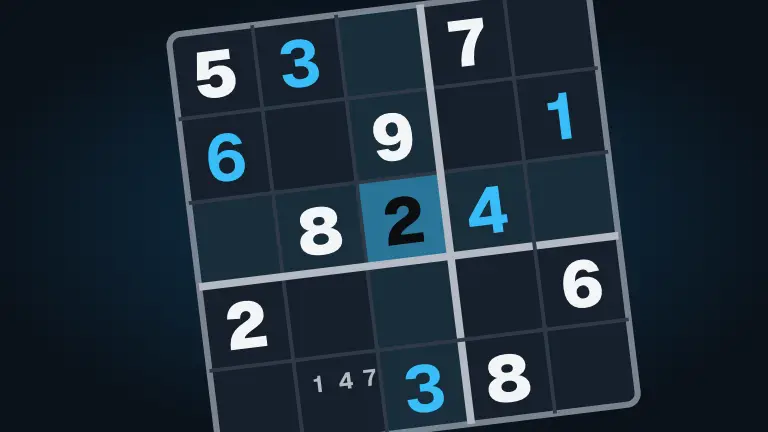
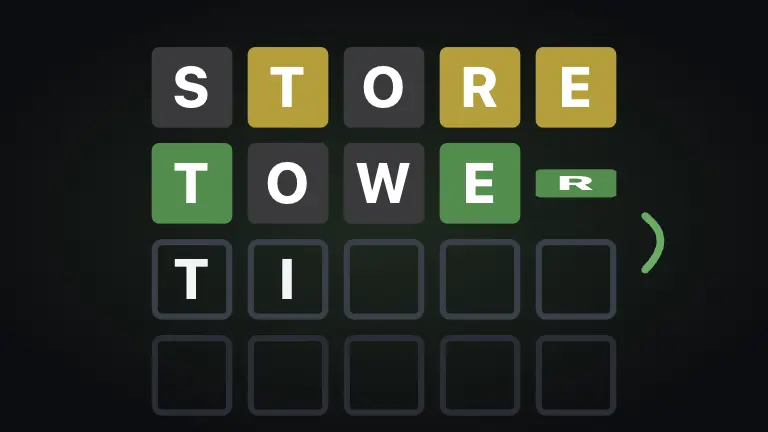
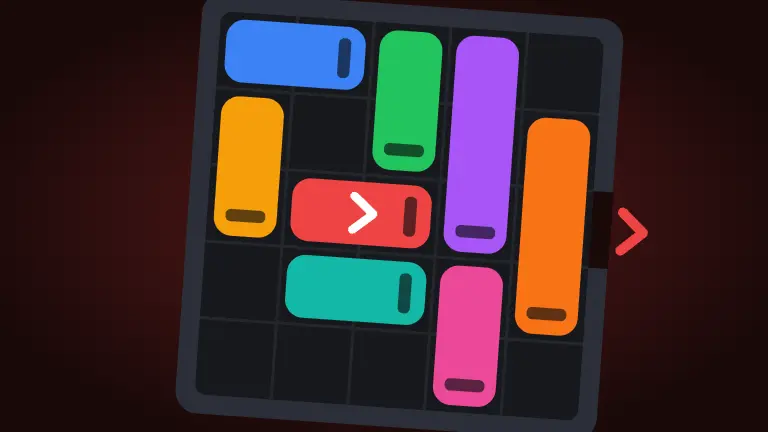
- Crate Push: push every crate onto its spot; you can't pull, so plan ahead. Eighty original levels.
- Sudoku: four difficulties every day, with pencil marks and hints.
- Five Letters: the daily word in six guesses, plus unlimited practice words.
- Traffic Jam: slide the cars and trucks out of the way and get the red car out of the lot. 240 levels, each with a par.
- Water Sort, Pipe Flow and Nonogram: more level-based and daily puzzles that keep you busy for a long time.
Cards and solitaire
- Solitaire: three solitaires in one, with a winnable Daily Deal and undo.
- FreeCell and Spider Solitaire: long, thoughtful games that are entirely about you and the deck.
- Mahjong Tiles: tile solitaire across eight layouts; every deal can be cleared.
See Free online solitaire: which one to play and how to win for every solitaire and tips to win more.
Turn-based games with other people
Playing a friend on a weak connection is very doable if the game is turn-based. Only your move needs to travel, so a slow link shows up as a short wait before the move lands, not as a stutter in the middle of an aim.

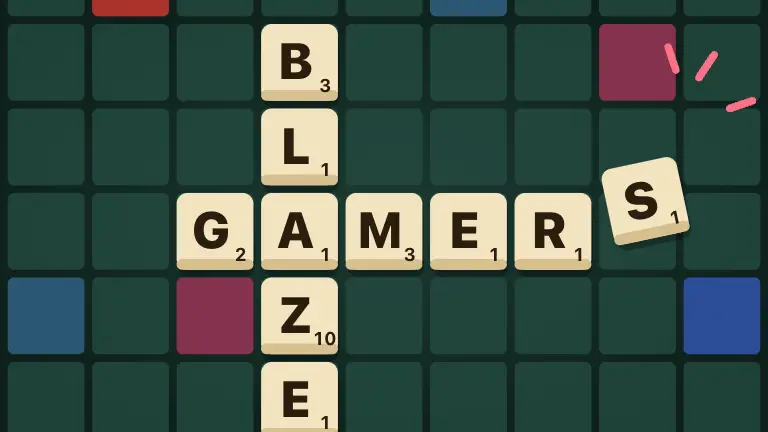


- Chess: one move at a time, and plenty of thinking between them.
- Word Tiles: play a word, take your time, and come back when it is your turn.
- Backgammon, Checkers and Gin Rummy: two-player classics where a second's delay makes no difference.
- Bogmoor: our biggest board game has a mode where everyone takes one turn a day, with alerts when it is your move. Perfect when nobody can be online at the same time.
Playing with other people needs a free player. For more ideas, see The best 2-player games to play online.
What to avoid on a weak connection
- Real-time action against other people. Shooters, racing, sports and arena games online need a steady, low-delay connection; play them against the computer instead, or save them for a better line.
- Big 3D games on a metered or very slow connection. They download much more the first time you open them.
- Fast party games with a timer. A slow connection can eat into a short answer window.
On mobile data
A phone on mobile data is a common slow connection, and often a metered one. The same rules apply, with one more: data costs. Small puzzle and card games use very little after they load, so they are the safe choice when you are watching a data cap. Save the big 3D games for wifi.
- Daily puzzles are ideal: one small page, one puzzle, done.
- Turn off autoplaying video elsewhere in the browser; it competes with the game for the same connection.
- Play against the computer when the signal is weak. A board or card game against computer players needs nobody else to be online, so a dropped connection costs only you a moment.
- Wait for wifi before trying a big game for the first time. After the first load, a game usually opens faster.
Tips for a patchy connection
- Open the game while you have signal. If you know the connection is about to get worse (a tunnel, a flight), load a solo game first.
- Keep the tab open. Closing it means loading the game again; your browser usually keeps files it has already fetched, so a second visit tends to be faster.
- Close other tabs and pause downloads. Anything else using the connection competes with the game.
- Pick computer opponents. Board and card games against the computer at Easy, Normal or Hard need no other player online at all.
A quick pick list
- Very slow or on and off: Crate Push, Sudoku or Solitaire.
- Slow but steady, playing a friend: Chess or Word Tiles.
- A group that is never online together: Bogmoor with a turn a day.
If your device is the bottleneck rather than the connection, see Games that run well on a Chromebook, in a browser tab. And for the basics of playing with nothing to install, Free browser games with no download and no sign-up.