Free browser games with no download and no sign-up
Updated · 4 min read
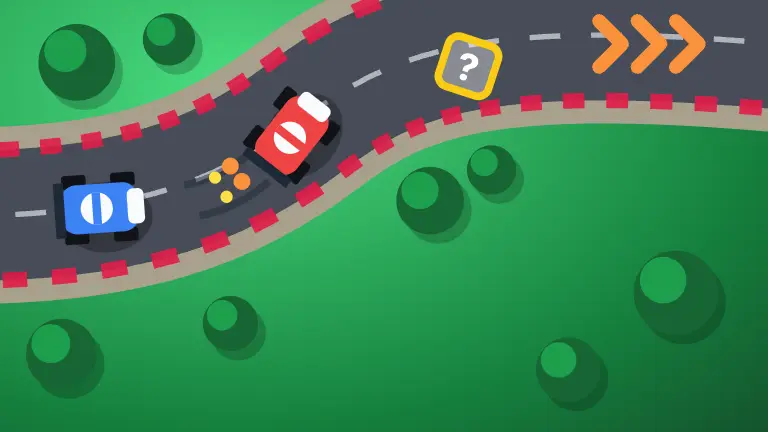
Most of the time you just want to play. Not install something, not make an account, not wait for an update. Every game on Knockout runs in a browser tab: open the page, and it starts. This guide covers what that means in practice, what you can play without signing up, and the games we would try first.
What "no download" means here
- Nothing to install. The games are web pages. There is no installer, no plug-in and no launcher, on a computer, a tablet or a phone.
- The same game everywhere. A game you start on a laptop is the same game on a phone or a TV browser, with touch, mouse, keyboard or a game controller.
- Your browser does the work. Like any website, the page loads its files when you open it; the bigger 3D games take a little longer the first time.
- Close the tab to stop. Solo games keep your stats and streaks in your browser, so they are waiting when you come back.
What you can play without signing up
A lot. Every solo game, every daily puzzle and every game against the computer starts with one tap, with no account and no email. Board and card games let you fill the empty seats with computer players at Easy, Normal or Hard, so you can learn the rules before you play a person.
Playing with other people (a friend, a party, an open table) needs a free player: a username and a PIN or password. It takes a minute, and your guest games and stats come with you when you make one. Nothing else is behind it.
Puzzles that open in a second
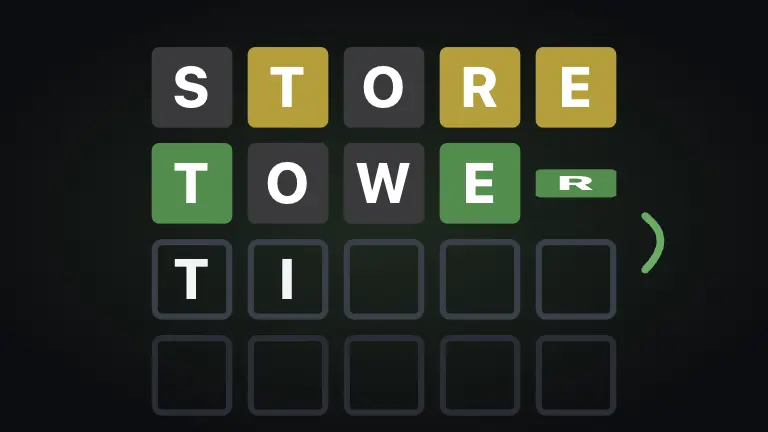
- Five Letters: the daily five-letter word in six guesses, plus unlimited practice words.
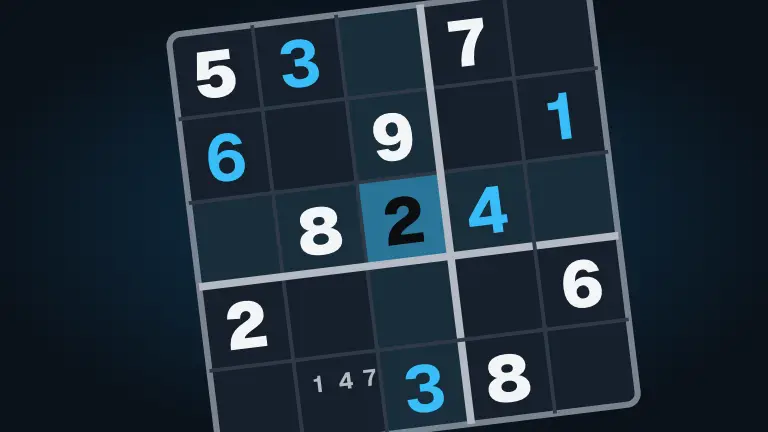
- Sudoku: four difficulties every day, with pencil marks, hints and a clock.
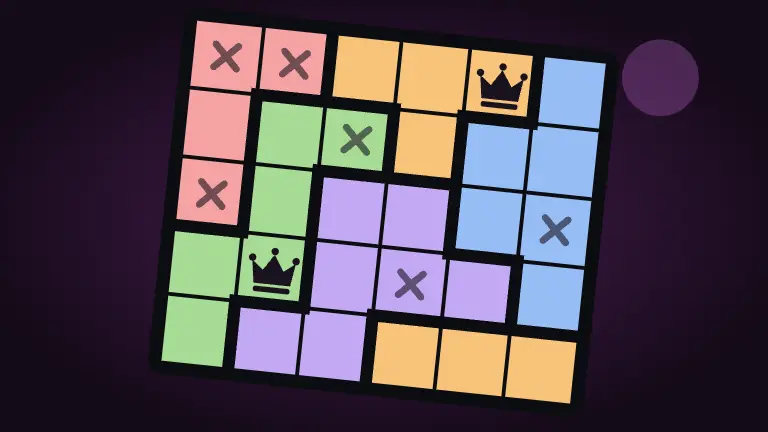
- Queens Court: a new logic court every day; one queen in every row, column and color.
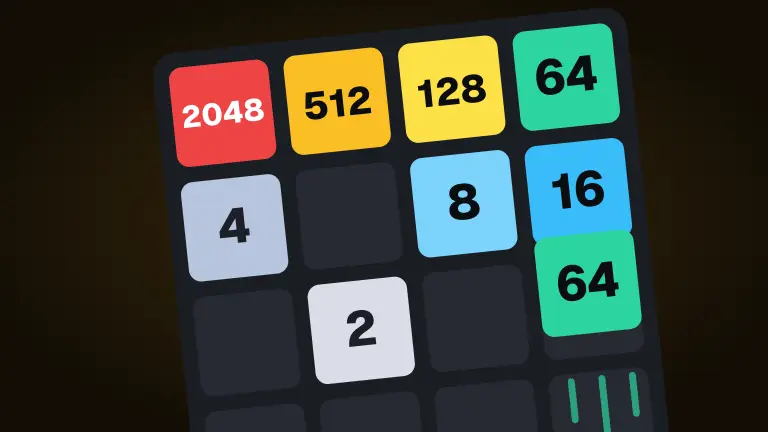
- Merge 2048: slide, merge and double up until the board fills.
- Nonogram, Word Search, Jigsaw and Mahjong Tiles are more, each with a daily puzzle.
Card and board games against the computer
The classics are here with computer players, so a table of four never needs four people:
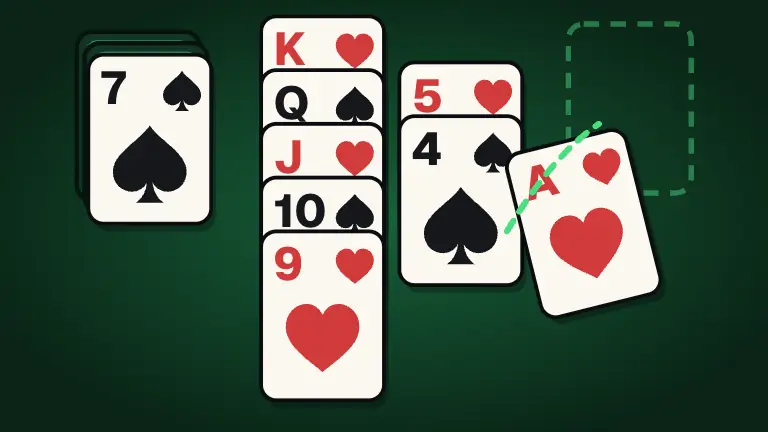
- Solitaire: three solitaires in one, with undo and a winnable Daily Deal.
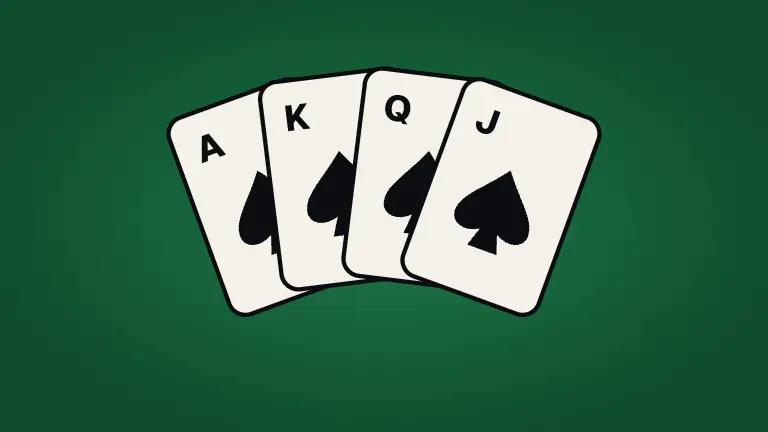
- Spades and Hearts: the trick-taking classics, with computer partners and opponents.
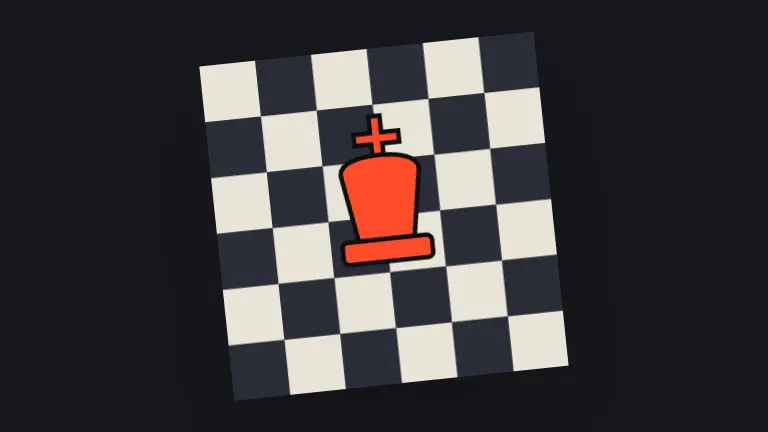
- Chess: play the computer, or try the daily chess puzzles.
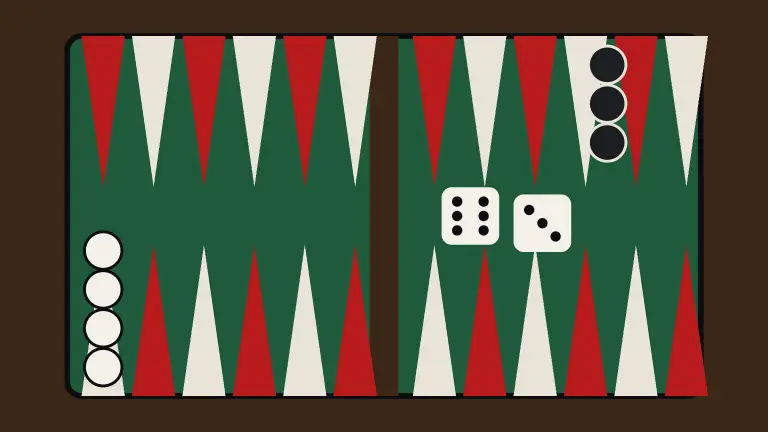
- Backgammon, Checkers and Mancala: two-player classics against the computer when nobody else is around.
- Bogmoor: our biggest board game, with bots to fill the empty seats.
For more card games, see Free card games online: classics, partners and party decks; for board games, Free board games online, with no download.
Full 3D games in a tab
Browser games are not just puzzles any more. These are full 3D games that run in a browser tab, with nothing to install. They do need a reasonably modern computer or phone; the biggest ones pick a graphics level to suit the device when they start.

- Kart Dash: kart racing on eight courses in two cups, with drifts, items and shortcuts.
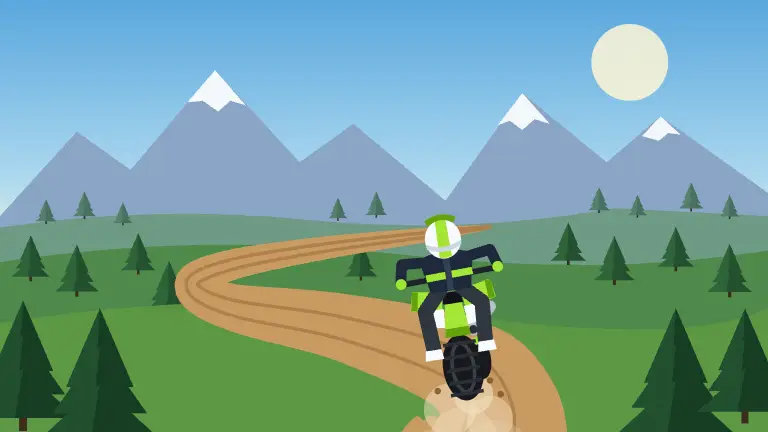
- Switchback: a dirt-bike game you ride from a helmet cam or a chase cam, down a mountain.
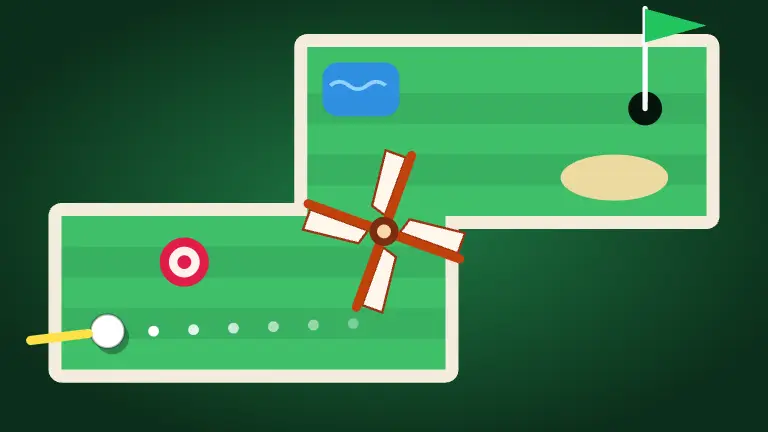
- Mini Golf: eighteen original holes of drag-to-putt mini golf, solo or with friends.
- Loop Park: build roller coasters piece by piece and ride them in first person.
- Glidepath: a flight simulator with seven aircraft, from a trainer to a glider.
Quick arcade games
- Block Drop: rotate, drop and clear lines as the stack speeds up.
- Snake: eat, grow, and do not bite your own tail.
- Brick Break: keep the ball in play through 32 levels with power-ups.
- Maze Muncher: clear the maze while four wisps hunt you.
- Road Hopper: hop across roads, rails and rivers without getting flattened.
When to make a free player
You only need one when other people come in. With a free player you can:
- Create a game and send friends the invite link or code; they join from their own phone or computer.
- Add friends, see what they are playing, and join their table.
- Start a party and move from game to game together.
- Get turn alerts when it is your move in a longer game.
If you are new to playing online with friends, The best free online games to play with friends is a good place to start.
On a phone, a tablet or a TV
The same pages work on a phone. Open a game in the phone's browser and it fits the screen, with big touch targets and controls built for thumbs. Add the site to your home screen and it opens full screen from an icon like anything else on your phone, and it can tell you when it is your turn in a longer game.
On a TV with a web browser, open knockoutonlinegames.com/tv: the TV shows the table while everyone plays from their own phone. Party games on the TV with phones as controllers explains how, and Quick games to play on your phone in five minutes lists the games that suit a small screen best.
A few sensible habits
- Play on sites you recognize. A real browser game never needs you to install anything, so treat a page that pushes a download with suspicion.
- Bookmark the games you like. It is the quickest way back, and it skips search results entirely.
- Keep your browser up to date. The 3D games in particular run best on a current browser.
- On a shared or work computer, follow the rules for that machine. Browser games are easy to open; that does not mean they are allowed everywhere.
If your computer is a Chromebook or another low-power laptop, Games that run well on a Chromebook, in a browser tab has the games that run best on modest hardware.